Building and evolving development tools powered by AI assistance.
Claude Code represents an experiment in how AI can augment the software development process. This research documents the evolution of these tools and the insights gained from building them.
What AI can't do
After collaborating intensely with Claude Code, the limits became very specific. There are three things that stand out:
1. It doesn't stop
Prompt it to "act as a world-class designer, critique the work, and then give suggestions based on the critique" and it will keep going. It will critique, suggest, critique the suggestion, suggest again. Infinitely helpful, infinitely exhausting.
Someone still has to decide: enough. That someone is still the human. Knowing when to stop is a human skill that doesn't have a proxy.
2. It generates options, not judgments
A navbar can be designed a hundred good ways. Which one is right depends on whether the tabs have dependencies, whether users navigate by keyboard, whether one client hits a particular button six times a day out of habit. I have a client who lives on the keyboard—Claude would never have thought of that because it's never watched them work.
AI fills the distribution. It generates the options that a competent designer would consider. But it doesn't judge which one matters most. That judgment lives in context: the person, their situation, the hidden patterns in how they work.
3. It doesn't feel the consequences
It generates; it doesn't live inside the system afterwards. It doesn't notice a week later that the pattern it suggested is quietly producing support tickets. It doesn't pick up the subtle signals from a person—the hesitation, the habit, the context behind a decision.
Experience over time is something only humans can have. Being in the system, noticing the effects of your decisions on real people, learning from those effects—that's lived knowledge. AI can simulate that knowledge, but it doesn't have it.
Don't be AI's agent
A lot of things about AI are unteachable lessons — just go and try it out. And you may find it addictive.
The real problem seems to be how to face our FOMO, and find the space where AI leaves room. So sharing two things I've said in sharing sessions:
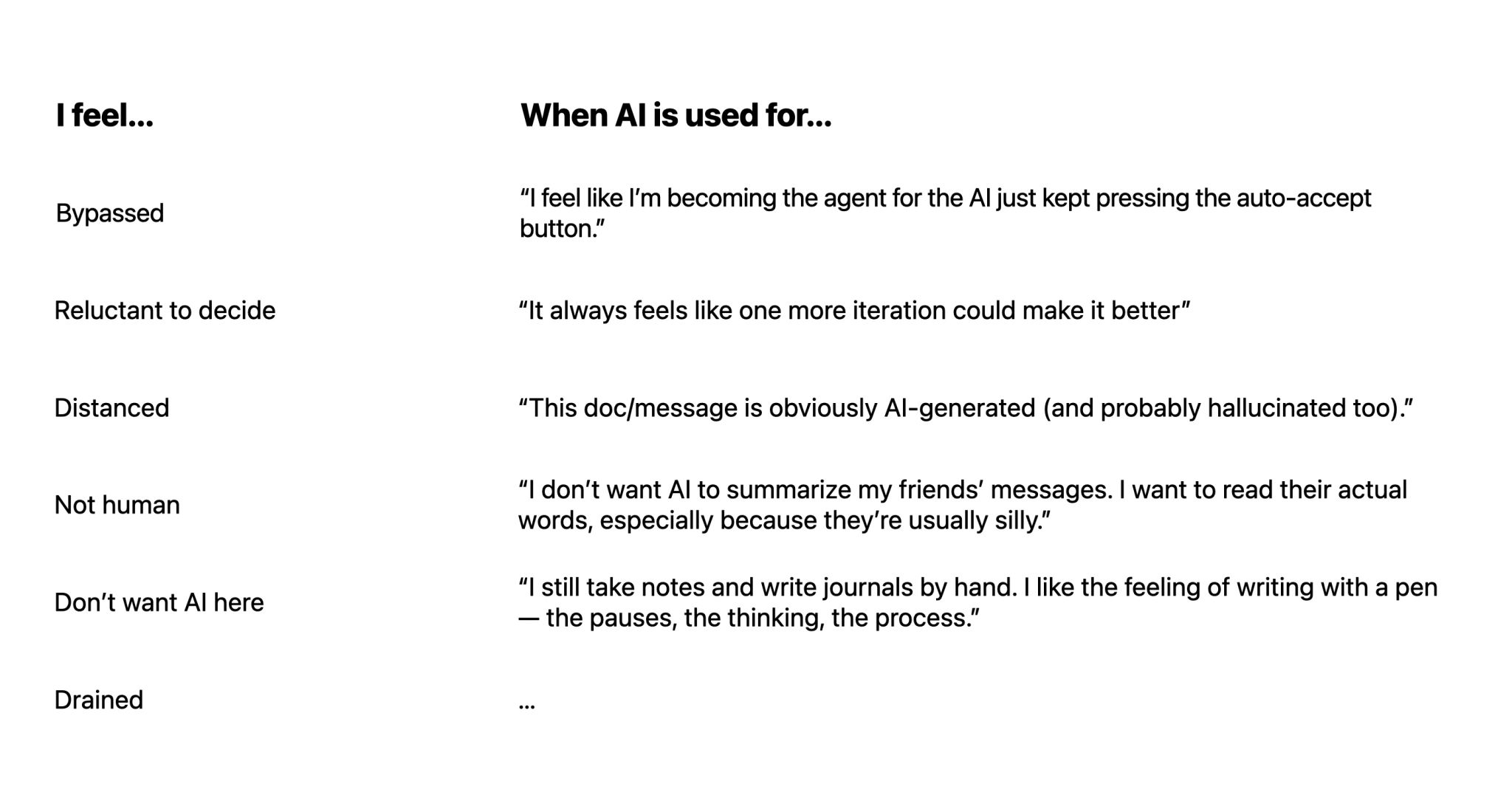
1. You either use AI to amplify your thinking, or become the human agent executing for AI
There were moments where I would prompt Claude Code with something like "You are a world-class designer. Analyze this problem, give me options, critique those options, and improve them based on your critique."
Honestly, that feels awful. I was too eager to want that productivity, to trade my own brain. And sometimes we took a long loop, going back to the original point. Intentionally. Practice. To urge. Your impulse. To get that efficiency.
2. Don't chase the tool
One funny thing about AI tools I saw from a meme: "If you learn AI slowly enough, sometimes you realize you didn't even need to learn the majority of them."
Things are moving so fast. For a while everyone talked about prompt engineering, Claude Code tricks (like `/compact` or `skills.md`). Then a few months later, the product abstracts half of it away:
- stuff gets baked into the models
- automatic context handling
Right now: sometimes I use tools like Stitch for fast brainstorming. Sometimes I go back to Figma because visual sketches help the LLM understand direction better. Sometimes I prototype directly in code.
Languages change. Frameworks change. Interfaces change.
You see, this whole process is a prototype. We are all in the prototyping phase of human–AI interaction.
- What do prototypes prototype? — Research mindset & error handling
- Making AI feel human — Designer role in the AI era